
General settings
Settings → General holds a few panel-wide choices: the timezone, where rule sets are kept, your own presets, how much usage history is kept, and the audit log. Where the panel is reached, on which ports, host names and paths, with which HTTPS, and where subscription links point, is set on Addresses.
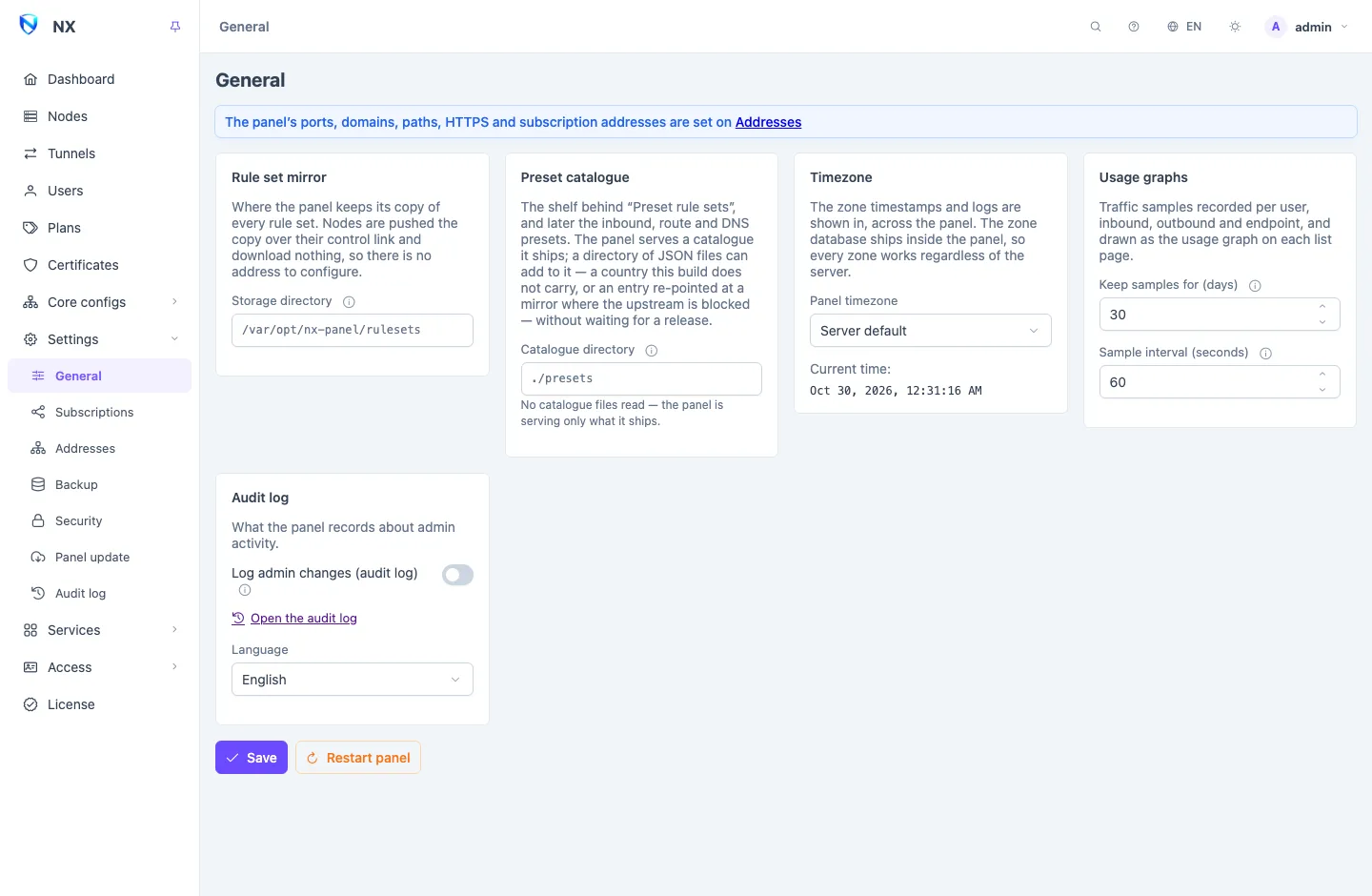
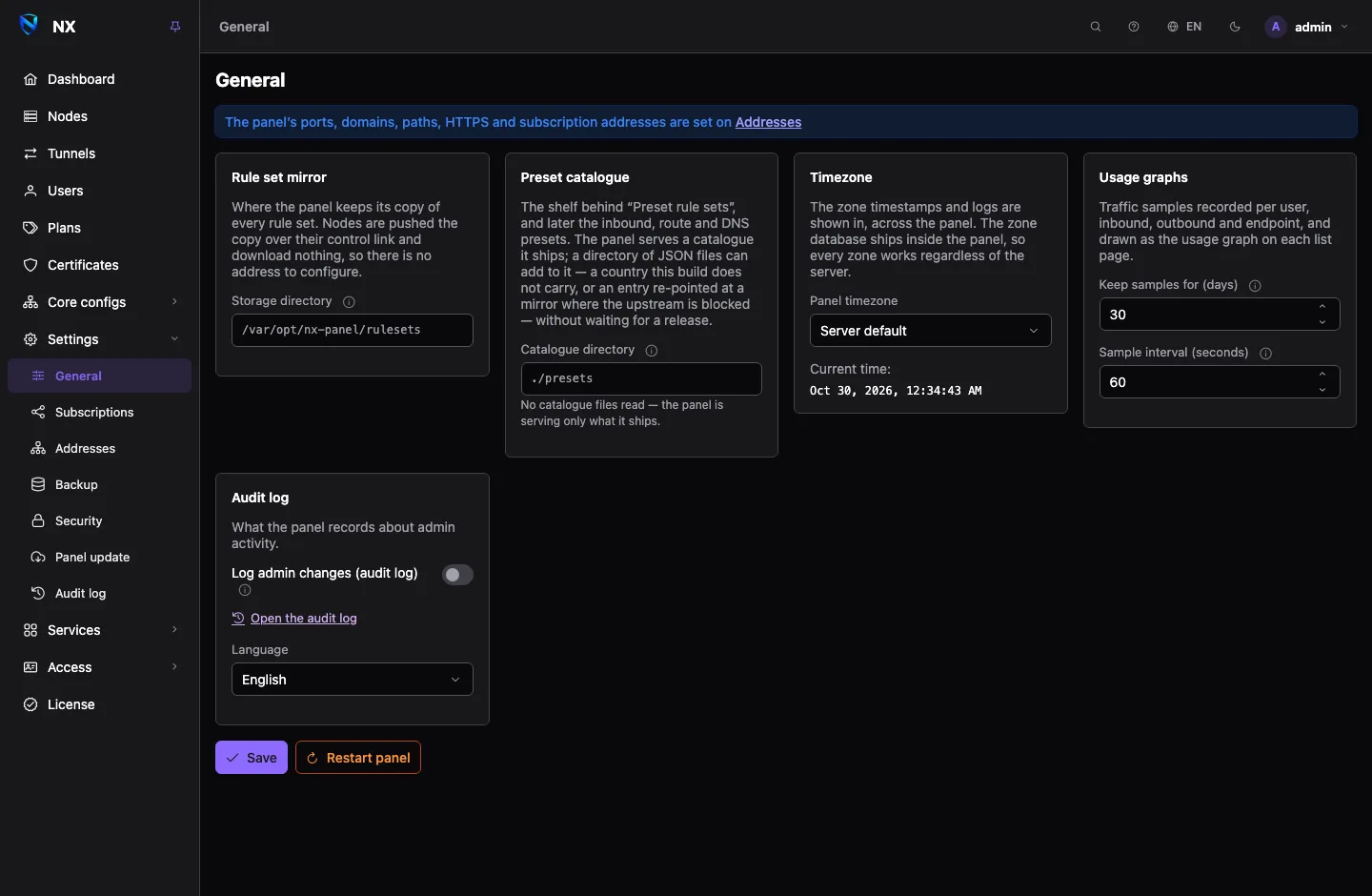
Rule set mirror and preset catalogue
- Rule set mirror → Storage directory: where the panel keeps its copy of every rule set. An absolute path; empty keeps them beside the database. See Rule sets.
- Preset catalogue → Catalogue directory: where the panel reads your own preset files. The card lists the files in effect. See Routing and DNS.
Timezone
Panel timezone is the zone every timestamp in the panel, its logs, and the subscription page are shown in, and where a day starts on the usage graphs. The zone database ships inside the panel, so every zone works whatever the server is set to. Server default follows the server.
Usage graphs and audit log
- Usage graphs: Keep samples for (days) and Sample interval (seconds) decide how much traffic history is kept for the graphs on each list page.
0days turns the graphs off and clears what is stored. - Audit log: Log admin changes (audit log) records every create, update and delete with the account that made it, kept for Keep records for (days). See Audit log.
The Language selector here sets the panel's language for your browser.
Login protection
Trusted proxies, the login allowlist and address bans are on Settings → Security, with two-factor authentication and sessions. See Security. If the panel sits behind a reverse proxy or a CDN, set Trusted proxies there before relying on login bans.
Restarting the panel
Restart panel restarts the panel. Changes on Addresses need no restart; a restart is for what was changed from the server's command line, such as nx-panel ingress reset (Command line), and for the panel's own log to follow a new timezone. When the panel is back, the page opens it at its address, on the same page. Users' connections are not affected: nodes keep serving through a panel restart.
Related
- Addresses: every port, host and path the panel answers on.
- Subscriptions and the subscription page: the subscription page and link names.
- Security: login protection.
- Command line: settings from the server.