
Endpoints
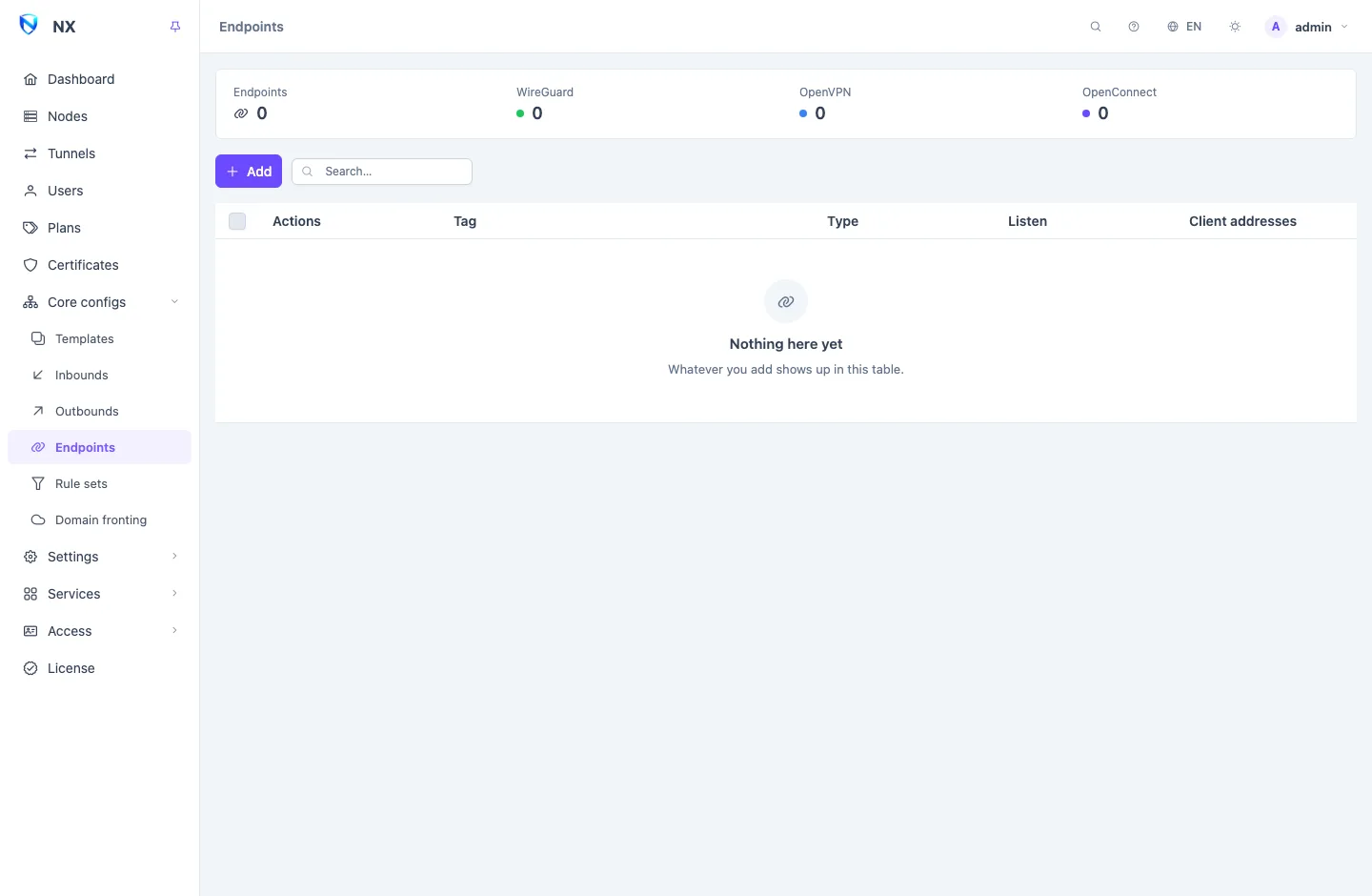
An Endpoint is an interface that is a way in and a way out at once. WireGuard, OpenVPN and OpenConnect are endpoints: users connect to them with the dedicated app for that protocol, and the panel gives each user a config file to import. Endpoints live under Core configs → Endpoints and reach nodes through Templates, like inbounds.
Serving users or connecting out
An endpoint does one of two jobs, and the listen port decides which:
- With a listen port, it serves your users. Each user of its template gets an account on it.
- Without one, it is a client: the node connects out to another network, and routing can send traffic through it like an Outbound. The list marks such an endpoint client only.
| Type | Serves users | Connects out |
|---|---|---|
wireguard | yes, with a listen port | yes, without one |
openvpn-server | yes | |
openconnect-server | yes | |
openvpn-client | yes | |
openconnect | yes | |
tailscale | joins a Tailscale network |
The Client addresses column shows the address pool users draw their tunnel address from.
WireGuard
A WireGuard endpoint that serves users needs an Address (CIDR list), the pool user addresses come from, and a Listen port (set to serve panel users). The server's Private key is made for you.
You never handle user keys. For every user who reaches the endpoint, the panel:
- makes a key pair of the user's own;
- gives the user a fixed address from the pool, worked out from the account's id, so it never changes and never collides with another user's;
- adds the user as a peer on every node of the template.
Because the address follows the account id, the pool must reach as far as your highest account id, not just your number of users. An account whose id lies past the end of the pool gets no peer on that endpoint. With 10.8.0.1/24, account ids up to about 250 fit; for a larger or older panel use a bigger pool such as 10.8.0.1/16.
Adding or removing a user rebuilds the WireGuard endpoint on its nodes, and connected WireGuard clients come back within about twenty seconds.
Select a WireGuard server only in a template assigned to a single node. Every account on the templates that select it becomes one of its peers, which is also why the form's Listen port carries this note.
See WireGuard for the options and for client apps.
OpenVPN and OpenConnect
An openvpn-server or openconnect-server endpoint authenticates each user by their account name and password. Both serve TLS, so they take a certificate like a TLS inbound: under TLS certificate, pick the node's certificate, a stored certificate from Certificates, or the endpoint's own.
The certificate fields show only while TLS certificate is set to the endpoint's own certificate; the other TLS settings sit under it.
On an OpenVPN server, Address (CIDR list) is the pool user addresses come from. Push to clients decides whether clients send all traffic through it and which resolvers they use, and with Control channel protection a probe without its key gets no answer; every user's file carries the matching key. On OpenConnect the pool is Client IP pool (CIDR), with Pushed DNS servers and Split-include routes.
Settings under + Add setting mostly start at the value the node already uses without them, so adding one changes nothing until you edit it; the exceptions are named on OpenVPN and OpenConnect.
An OpenVPN server in tls mode or an OpenConnect server with no user at all is not started: the panel leaves it out of what it sends until a user belongs to its template. A static-key OpenVPN server has no users and is started as it is.
See OpenVPN and OpenConnect for the options and for client apps.
Connecting out
An openvpn-client endpoint lists its Servers, tried in order until one answers (or at random); each has its own port and network. Drag a server by its handle to change the order. In tls mode it takes a username and password, the server's CA certificate and, under Control channel protection, the key the server's operator gives you. In static_key mode it takes the static key, the cipher and its tunnel addresses. Compression is offered for old servers that refuse to connect without it, with a warning: on an encrypted tunnel it leaks what it carries.
An openconnect endpoint can answer a second factor with a One-time password (TOTP or RSA SecurID), and extra login fields with Login form answers, since nobody is at the node to type them. Certificates are pasted as text; the form names no file on the node.
Tailscale
A tailscale endpoint joins the node to a Tailscale network with an Auth key; for a Headscale server, also set Control server URL (Headscale). It can Advertise routes (CIDR list), Advertise tags or Advertise as exit node, and can use another device as its Exit node. It does not serve panel users; use it to reach a private network from the node, or to send traffic out through one.
The node keeps the endpoint's login in its cache directory, which a reinstall keeps. If the cache is cleared, the endpoint logs in again with its auth key as a new device, so use a reusable key (ephemeral or not); a one-off key that was already used needs a new one. A new tag, auth key or control server also starts a new login, as a new device.
App config files
WireGuard, OpenVPN and OpenConnect users import a file rather than a link. The panel builds one per user, per endpoint and node:
| Endpoint | File | What it carries |
|---|---|---|
| WireGuard | .conf | The user's own private key and address, and the server's public key and address |
| OpenVPN | .ovpn | The server's certificate, the user's name and password and, with control channel protection, its key — the server's one shared key, or with tls_crypt_v2 the user's own — inline |
| OpenConnect | .txt | The server address and the user's name and password |
Users find these files in two places:
- On their subscription page, each with a QR code, the text, and a download button.
- You can give them out from the user's row: QR / Links opens Client apps, with Save file and a QR code for each. A file too large for a QR code is offered as text and download only.
A config file names one address. It uses the node's first link address, the primary, so reordering a node's link addresses changes the files users download afterwards. Files users already saved keep the old address; send them a new one. See Nodes.
An endpoint for one node only
An endpoint reaches the nodes whose template selects it. For a WireGuard client to an upstream network that only one server should use, give that node a template of its own that selects it. See Templates.
Editing and deleting
Edits reach every node that carries the endpoint. Duplicate copies one under a new tag and listen port. The panel refuses to delete an endpoint that a routing rule or the final outbound of a template selecting it still names, and lists those references.
Related
- WireGuard, OpenVPN and OpenConnect: protocol details.
- Templates: how endpoints reach nodes and users.
- Certificates: certificates for OpenVPN and OpenConnect.
- Subscriptions and the subscription page: the subscription page that offers the files.