
Resellers
A Reseller is an admin account that sells to its own customers. It sees and manages only the users it created, inside an allowance you set: a volume of traffic per cycle, an expiry date, a number of users, and optionally the plans it may sell. This page covers setting one up and what it sees.
What a reseller can do
A reseller signs in to the same panel and sees two pages:
- Dashboard: its allowance (traffic used and left, its reset cycle and account expiry), counters for its users, and the list of its own users.
- Users: its own customers only. It creates them, hands out their links, and, if you allow it, edits and deletes them. Filters, search, bulk operations and exports work on its own accounts.
It never sees another reseller's customers, your own customers, nodes, templates or settings. Its customers' notices can reach it through My Telegram and My email when you have those services on (see Telegram and Email).
Setting up a reseller
Resellers are made on Access → Admins, by the main admin.
Press Add, and give a Username and Password.
Set Role to Reseller, or to a role of your own based on the reseller tier (see Roles).
Fill in the allowance:
Field Volume allowance traffic all of this reseller's users may use per cycle, in GB. 0is unlimited.Reset cycle No reset, Weekly, Monthly or Yearly, and Resets on day for the weekday or day of the month Account expiry (days from now) when the reseller's account ends. 0never.Max users how many accounts it may own. 0is unlimited.Set what it may do:
Field May edit and delete users off: it can create accounts but not change or remove them afterwards Sell from plans only on: every account it creates must come from one of the Allowed plans, with the plan's limits (see Plans) Only chosen templates on: its customers are put on the Allowed templates only, and so reach only those templates' nodes (below) Subscription domain which of your subscription domains its customers' links use (below) Branding the look of its customers' subscription page, and of the panel on its own hosts (below) Press Save and give the reseller its login.
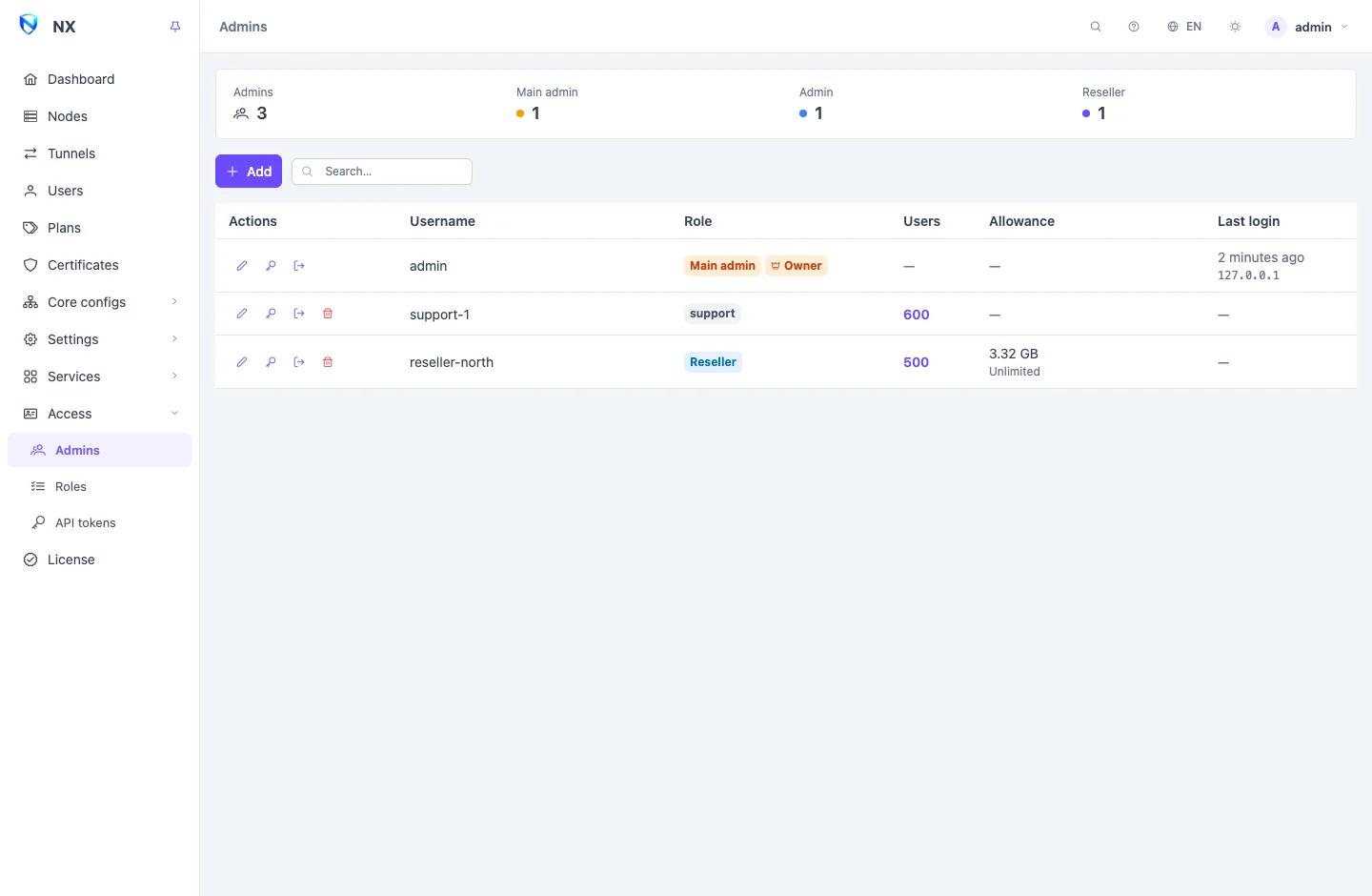
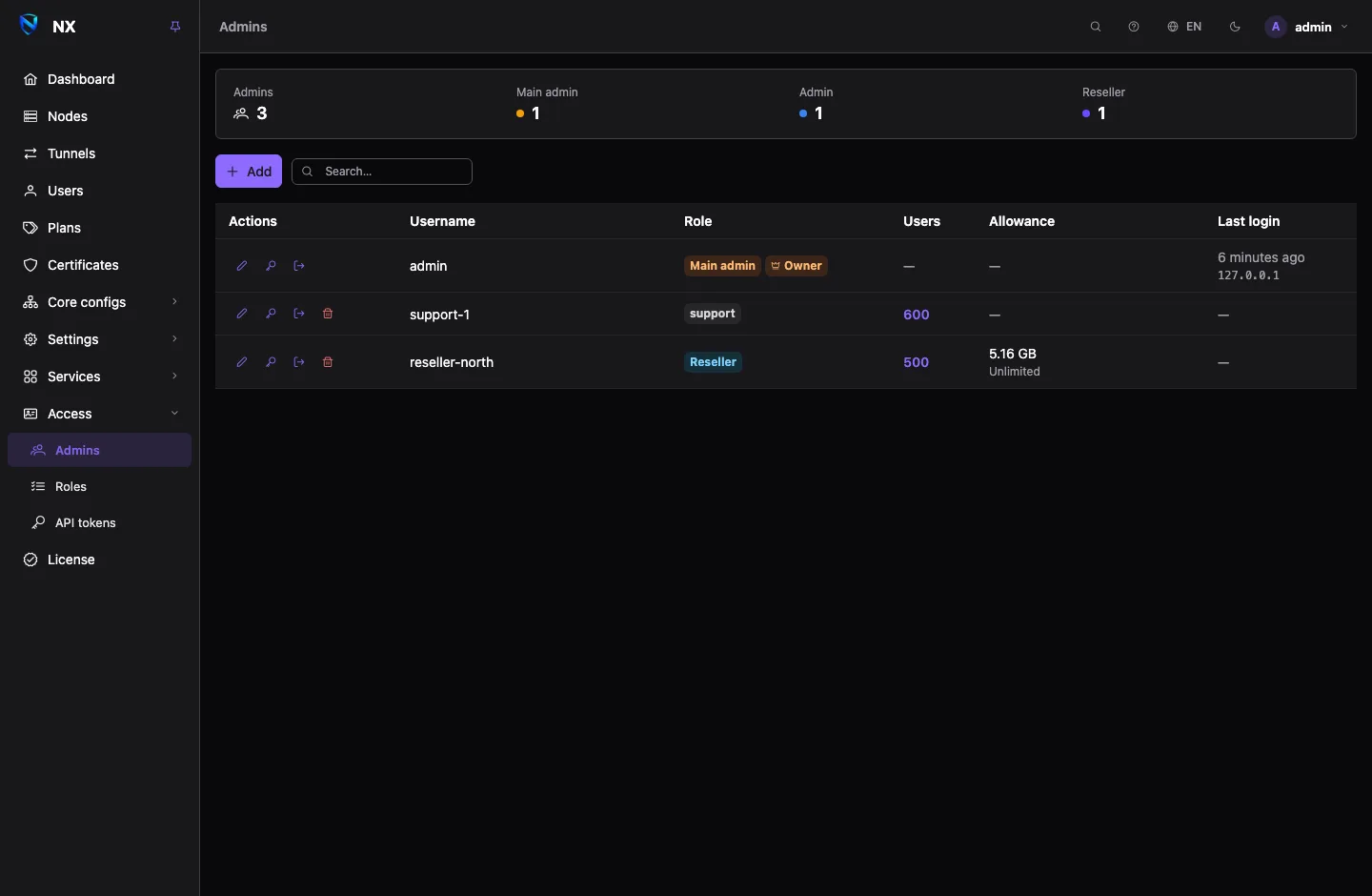
On the admins list, the Allowance column shows each reseller's traffic used against its volume, and its expiry date is under its name.
Traffic allowance
A reseller's traffic is the sum of its customers' traffic since the start of the current cycle, counted the way the customers are charged: each node's traffic multiplier applies. When the cycle resets, the count starts again.
Limits on a role
A role based on the reseller tier can carry three caps that apply to every account on it, on top of each account's own allowance:
- Users per account: how many users an account on the role may own.
- Devices per user: the highest device limit it may give a user. A user with no device limit at all is then refused.
- Plan length (days): the longest plan it may sell.
The tighter of the role's cap and the account's own value applies. See Roles.
Limiting a reseller to templates
A node serves the users of its Template, so the way to give a reseller some of your nodes and not others is to give it some of your templates. Turn on Only chosen templates and pick the Allowed templates.
- The reseller sees only those templates, and its user form offers no others. All templates on one of its customers means all of the reseller's templates.
- The panel narrows rather than refuses. A template outside the list is dropped from whatever asks for it: a create, an edit, a plan that names more templates, or a customer you hand to the reseller from Owner or Change owner.
- Saving the reseller applies the list to every customer it has. Take a template away and all its customers leave that template and its nodes at once, with no node restart. Add one and it reaches the customers that are on all templates; customers on a hand-picked list keep their list. The panel says how many customers the save moved.
To keep two nodes apart that share a template, give each its own template. If every allowed template is deleted, the reseller stays limited to nothing: its customers reach no node, and the admins list marks it in red until you pick a template.
A subscription domain per reseller
When you have several subscription domains, Subscription domain decides which one a reseller's customers are published under. Left on the default, they use the first configured domain.
Only the main admin sets this. A domain is what gets blocked as a unit, so choosing one is choosing whose customers go down together. If you remove a domain a reseller was on, its customers move to the first configured domain. See Subscriptions and the subscription page.
Its own addresses and look
On Addresses the main admin can give a reseller addresses of its own:
- A Panel route Bound to an account to the reseller. It then signs in only there, and nobody else signs in there.
- A Subscriptions route bound to it, with Publish links here. Its customers' links are built on that host, and with Its own customers only no other customer is answered there.
Branding on the reseller's account picks a branding made on Addresses. Its customers see it on their subscription page, and the panel shows it on the reseller's own hosts.
When a reseller runs out
The panel checks every reseller once a minute.
- Over its volume allowance: every one of its customers is switched off until the next cycle starts, then switched back on.
- Past its account expiry: every one of its customers is switched off, and the reseller can no longer use the panel. It is told This account has expired at login, its open sessions end, and its API tokens stop working.
Renewing the reseller (raising its allowance or moving its expiry on the admins page) lets it straight back in, and its customers come back on within a minute. Customers you or the reseller switched off by hand stay off.
Deleting a reseller
Deleting a reseller hands its customers to the panel: they keep working, on the templates they are on, and become yours. The API tokens bound to the reseller are deleted with it.